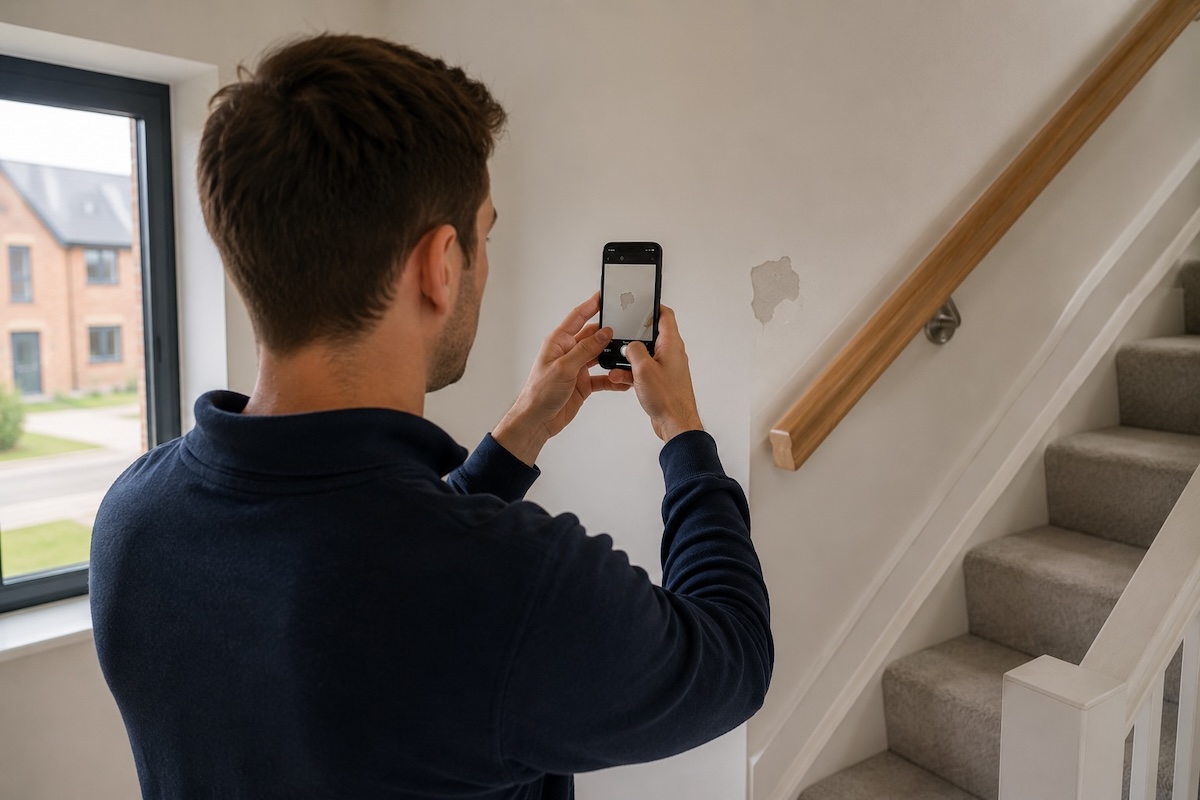
When we built SnagNote, our goal was simple: give new build homeowners a better way to manage their snagging list. No more scrappy notes, scattered photos, or endless email threads with builders.
Today we're taking that a step further. SnagNote 2.0 is the most significant update we've shipped, bringing collaboration, smarter dashboards, detailed progress tracking, and professional export reporting to every homeowner's pocket.
Here's everything that's new.
Snag together, not separately
Moving into a new home is rarely a solo mission. Whether it's your partner, a family member, or a friend helping you walk through the property, SnagNote 2.0 lets you invite others and snag together in real time.
Anyone you invite can view the property, add snags, attach photos, and leave notes, all syncing instantly. No more one person carrying the whole list or trying to merge two sets of notes at the end of the day.
Invite collaborators via a shareable link or QR code. Once they create a free SnagNote account, they can contribute directly to your snagging list and see everything in real time.
Home dashboards
Every property in SnagNote now has its own home dashboard giving you an instant overview of everything that matters.
Progress pages
Logging a snag is just the beginning. What matters is making sure it actually gets fixed.
SnagNote 2.0 introduces progress pages for every property, giving you a live view of how your snagging list is moving. As your builder works through issues you can update the status of each snag and watch your progress bar grow.
- A clear progress bar showing overall completion across all snags
- At-a-glance stats so you always know where things stand
- A running record of everything that's been resolved and when
No more wondering whether your builder has actually actioned anything. SnagNote keeps the record straight.
Snag status tracking
Every snag you log can now be assigned a status, updated as work progresses. From the moment you spot an issue to the day it gets fixed, SnagNote tracks the full journey so nothing falls through the cracks.
As soon as you spot a defect, log it in SnagNote. Add a photo, note the room, and it lands in your snag list ready to send.
As soon as you generate a report, SnagNote automatically marks every included snag as Sent. You'll always have an accurate record of what's been reported and when.
When your builder confirms a visit or repair date, update the status to Booked. You'll have a clear record of what's been actioned and what's still outstanding.
Once the fix is done and you're satisfied, mark it Resolved. Your snag list stays clean and you have a full audit trail if anything comes back up later.
Keeping statuses up to date takes seconds, and it means you'll always have an accurate picture of where things stand when you need to chase your builder or escalate an issue.
Export reporting
When it comes to dealing with builders, a clear and well organised report makes all the difference. SnagNote 2.0 lets you generate a professional snag report in a single tap and share it directly from your phone.
Each report includes:
- A full list of all logged snags, organised by room
- Photos attached to each issue
- Status and priority for every snag
- Timestamps showing when each issue was first recorded
- A clean, professional format your builder can act on immediately
Export settings also give you full control over what goes into each report. Only want to include open snags? Leave out resolved ones. Sharing with your builder but not ready to show everything? Pick exactly what gets reported and what stays private. You decide what goes out, every time.
No more compiling photos manually, copy-pasting notes into emails, or losing track of what you've already raised. One tap, one report, sent.
What's next
SnagNote 2.0 is the foundation for everything we're building towards. A complete snagging toolkit that gives homeowners real control over the process from day one.
We're already working on the next set of updates, including smarter builder communication tools, deadline reminders for open snags, and more ways to keep your whole team in the loop.
As always, if you have feedback or ideas, we'd love to hear from you at support@snagnote.com.

Collaboration, dashboards, progress tracking and export reports — all in one app.